🚀
Node.js, Deno and Bun
One node:http listener on Node.js 22+, Deno 2 and Bun 1.2+.
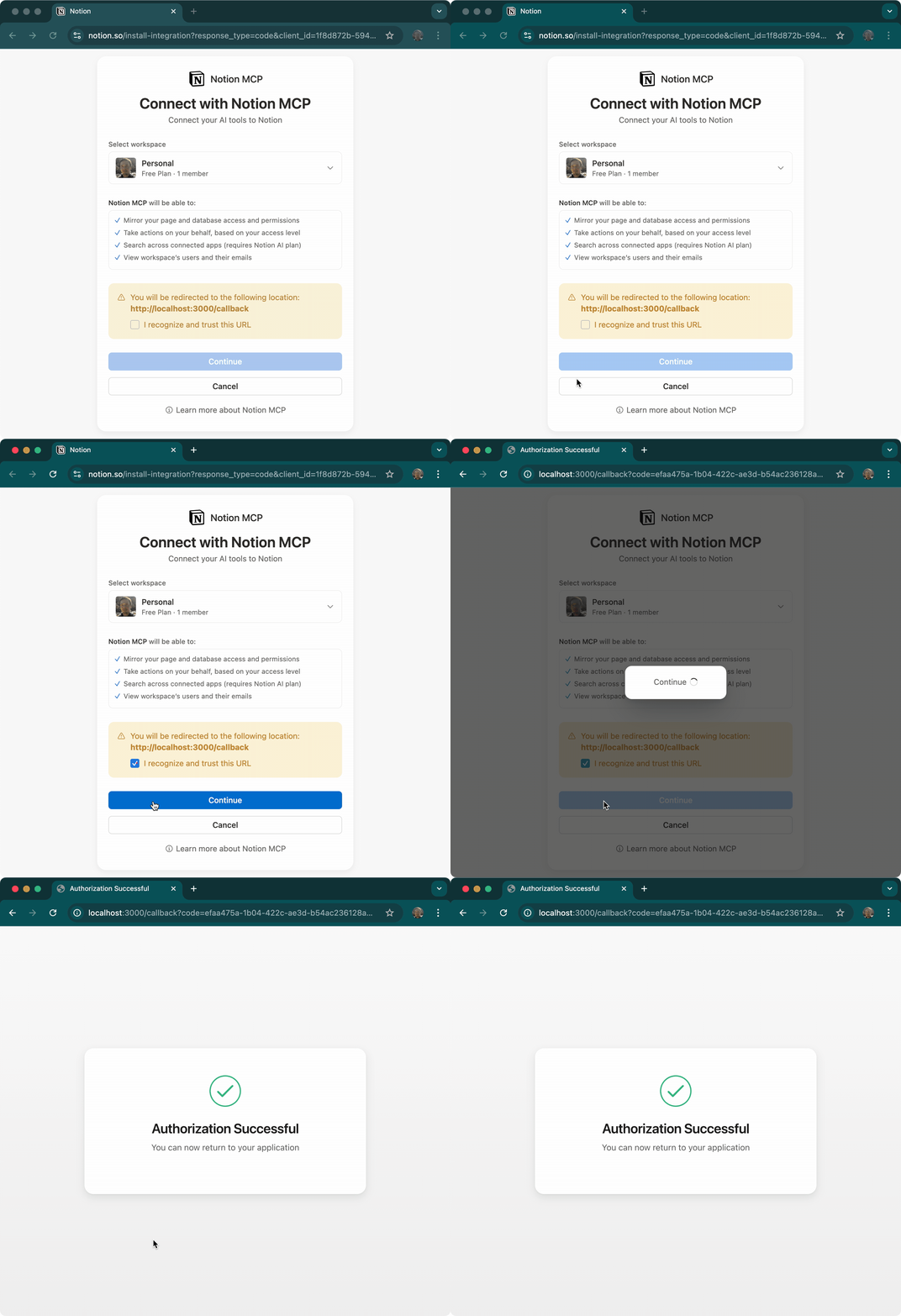
Capture an authorization code on a loopback redirect URI in Node.js, Deno and Bun, with a one-line browser provider for the MCP SDK
import { getAuthCode } from "oauth-callback";

const { code, redirectUri } = await getAuthCode(() => {
  const url = new URL("https://github.com/login/oauth/authorize");
  url.searchParams.set("client_id", CLIENT_ID);
  return url; // redirect_uri and state are appended
});

await exchangeCode({ code, redirectUri }); // your token requestimport { Client } from "@modelcontextprotocol/client";
import { browserAuth, fileStore } from "oauth-callback/mcp";
import { homedir } from "node:os";
import { join } from "node:path";
const auth = browserAuth({
serverUrl: "https://mcp.notion.com/mcp",
redirectUri: "http://127.0.0.1:8765/callback",
clientName: "Acme CLI",
store: fileStore(join(homedir(), ".config/acme/notion.json")),
});
const client = new Client({ name: "acme", version: "1.0.0" });
await auth.connect(client); // opens the browser if neededbun add oauth-callback
# or
npm install oauth-callback

